
Blog
The hidden costs of a DIY website (and when DIY still makes sense)
Website builder ads make it look cheap and easy. Here's what a DIY site really costs once you add up the upgrades, the extras and your time, plus when building it yourself still makes sense.
By Dylan, Pine State Web · · 7 min read
You've seen the ads. Drag, drop, done, and a professional website for what sounds like the price of a couple of coffees a month. If you run a roofing crew or a plumbing business, that pitch is hard to ignore. But the price in the ad is rarely what you end up paying. Once you add up the upgrades, the extras and the hours you put in, the hidden costs of a DIY website can be bigger than the plan itself.
I'm Dylan, and I build websites for Maine trades and service businesses. I'm not here to trash website builders. They're solid tools, and for some people building it yourself is the right call. I just want you to see the whole bill before you start, so you can decide with real numbers.
The advertised price vs. what you actually pay
Website builder plans vary a lot and change often, so check each company's current pricing for yourself. What I can tell you is how the bill tends to grow:
- The entry plan gets you started, but it's built to get you in the door.
- Business features like your own domain name, forms that email you or removing the builder's branding can sit on higher tiers.
- Apps and extras each add their own monthly fee.
- Your time is the biggest cost, and it never shows up on the receipt.
The hidden costs of a DIY website, one by one
Plan upgrades to unlock the features you need
The cheapest plans are made to get you started. When you go to connect your own domain, add a quote form that lands in your inbox or take the builder's ad out of your footer, you may find those features live on a higher plan. Some prices are also quoted as a monthly figure but billed for a full year up front. Read the plan comparison chart closely before you commit.
Apps and add-ons
Want reviews on your homepage, a quote form that accepts photos or a banner for your spring special? On many builders those come from an app marketplace, and the useful ones often carry their own monthly fee. Three or four small subscriptions add up quietly.
Business email
An address like you@yourbusiness.com looks more professional on a truck door than a free email account. Builders often sell it as an extra, billed per mailbox. To be fair, that's a separate cost no matter who builds your site, me included: my plans don't include email. Budget for it either way.
Your time (the biggest cost of all)
This is the cost nobody puts in the ad. If you've never built a website, a rough but realistic estimate is 20 to 40 hours to get a decent one live. That covers picking a template, writing every page, gathering photos, fixing the phone layout and setting up the search basics. Then add a few hours a month to keep it current.
Now put a price on those hours using your own rate. At $75 an hour, just as an example, 30 hours is $2,250 of your time. And here in Maine, those hours tend to land when you can least spare them. The trades get a short, packed season, and nobody wants to be fighting with a website at 10 p.m. in July with a full schedule the next morning.
Layouts that look off on phones
Most people will find you on their phone, often standing in the driveway looking at the problem they need fixed. Builder templates are designed to work on phones, but once you start moving things around, text gets cramped, buttons end up too small to tap and your phone number can slide way down the page. You have to check every page on a real phone and fix what breaks.
Weak local SEO setup
SEO, or search engine optimization, just means setting up your site so search engines understand what you do and where you do it. A builder gives you the tools, but it won't do the thinking. Local search depends on details: clear page titles, a page for each main service, the towns you actually serve and pages that load fast. Skip those and your site exists, but people searching for a roofer in your area may never see it.
Nobody to call when something breaks
When a form quietly stops sending, an update scrambles a page or the domain renewal email lands in spam, it's on you to notice and fix it. Builder support can help with their platform, but they won't look at why your site isn't bringing in calls.
Rebuilding later when it doesn't bring in calls
This one stings the most. Plenty of DIY sites look fine but never ring the phone. A year later the owner hires someone anyway and pays for the website twice: once in evenings, once in dollars.
DIY website builder vs. a Pine State Web plan
Here's an honest side-by-side. Builder prices vary, so check the current numbers for any platform you're considering.
| Compared | DIY website builder | Pine State Web plan |
|---|---|---|
| Monthly cost | Varies by builder and plan, plus any upgrades and apps. Check current pricing. | $65 (Starter) or $89 (Business) a month. No setup fee. |
| Your time | Roughly 20–40 hours to build, plus monthly upkeep | A 2-minute form, then reviews by phone, email or video |
| Design | A template you adapt yourself | A custom design for your business, built for phones first |
| Hosting and security | Usually included; you manage the settings | Hosting, SSL, backups and software updates included |
| Updates | You make every change yourself | Up to 30 minutes (Starter) or 2 hours (Business) of content updates a month |
| Support | The builder's help center and support team | Me, by phone, email or video call |
| Domain and email | Usually extra | Your domain is billed by your registrar, in your name. Email is separate. |
| Best for | Hobbyists, side businesses and people who enjoy building | Busy trades who'd rather spend evenings on the business |
When DIY honestly makes sense
I'll be straight with you. Building it yourself is a good choice when:
- You're just starting out and money is tight. A simple one-page site beats no site.
- Your needs are small: your phone number, your services and a few photos.
- You enjoy this kind of thing, and the hours feel like a hobby instead of a chore.
- You have real downtime, like a slow Maine winter, and you'll keep the site updated once spring hits.
If that's you, go for it. Keep it simple, put your phone number at the top of every page and test it on your own phone before you share the link.
Is a DIY website worth it for your business?
Ask yourself three questions:
- What's an hour of your time worth in busy season?
- Will you keep the site updated when work picks up?
- Do you know what makes a local customer pick up the phone?
If those answers make you wince, a DIY site may cost you more than it saves. A lot of Maine businesses run on word of mouth, and that's a good thing. But even a customer with a referral will usually look you up before calling, and a site that looks thrown together can undo a good recommendation.
The low-risk way to compare: a free homepage design
Here's what I'd suggest. Before you spend a weekend building, let me design a homepage for your business, free. Within 1–2 days you'll see desktop and phone versions built around your services and the towns you work in. Then compare it with what you'd build yourself.
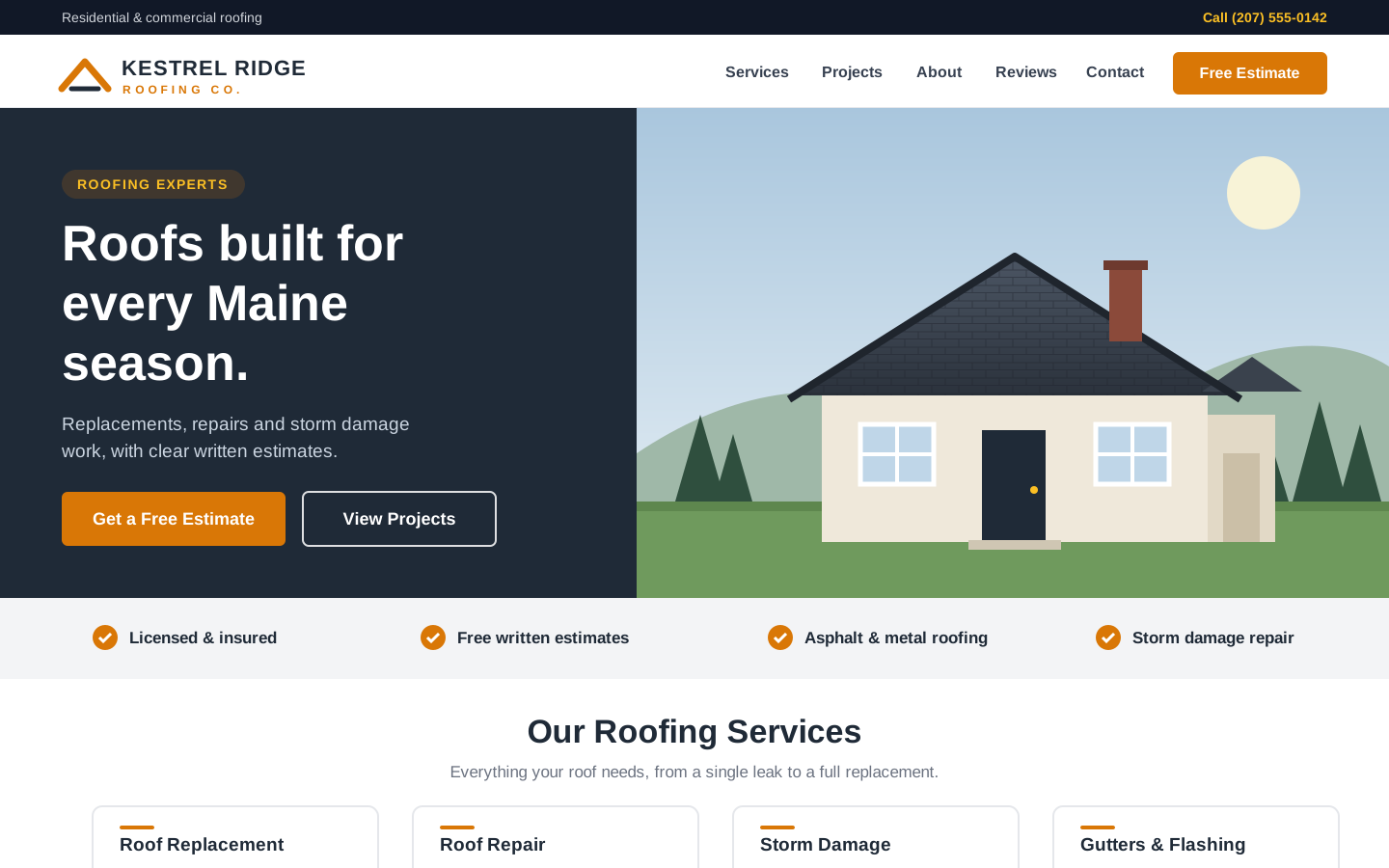
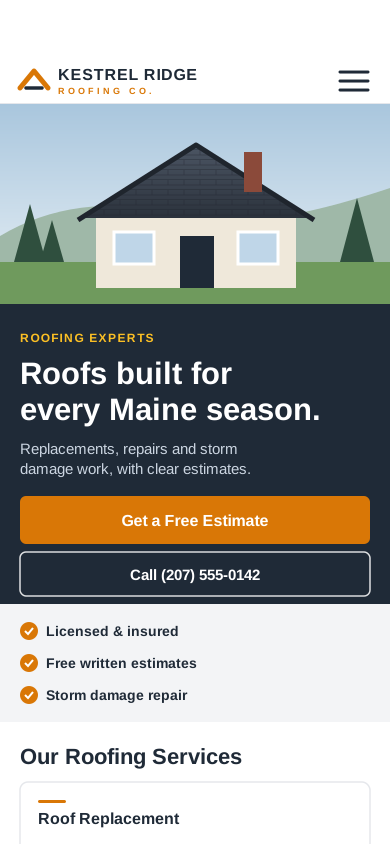
If you like it, you choose a monthly plan and your site can be live about 3 days after you approve it. If you don't, you walk away. There's no contract and no pressure. You can see how it works, look at example designs or compare plans and pricing.
Get your free website design
Tell me about your business and I'll design a free homepage preview within 1–2 days. No cost and no obligation.
Frequently asked questions
Is a DIY website worth it for a small business?
It can be, if your needs are simple, money is tight and you enjoy building it. For busy trades, the hours it takes plus upgrades and add-ons often cost more than the plan price suggests. Add up your time before you decide.
What are the hidden costs of a DIY website?
Plan upgrades to unlock features, paid apps, business email, the hours you spend building and maintaining it, fixing layouts on phones, setting up local SEO yourself and, sometimes, paying to rebuild it later if it doesn't bring in calls.
Wix or Squarespace vs. hiring a web designer: which is better for contractors?
Both builders can produce a good-looking site if you have the time and know what local customers look for. Hiring someone makes sense when your hours are better spent on jobs and you want a site built around calls and quote requests. Either way, compare the total cost, not just the plan price.
How long does it take to build a website yourself?
For a first-timer, a rough but realistic estimate is 20 to 40 hours to get a decent small-business site live, plus a few hours a month to keep it current. It depends on how many pages you need and how comfortable you are with the tools.
Can I see a design before I pay for a website?
Yes. I'll design a free homepage preview for your business within 1–2 days, with desktop and phone versions. Requesting one doesn't sign you up for anything.
If I hire you, what do I own?
You own your domain name, registered in your name, and the text, photos and logos you provide. If you ever cancel, you get a copy of your site's text and images.
More questions? See how it works, compare plans and pricing or get your free website design.